
Please follow the steps below to get the CVT app for iOS (iPhone/iPad). Click the image to enlarge it.
1. Ask for redeem link
Please send an email to: frontoffice@shout.dk and ask for a redeem link to get the app from the AppStore.
2. Use the redeem link
Open the email with your redeem link on the iOS device where you’d like to install the app and click the link.
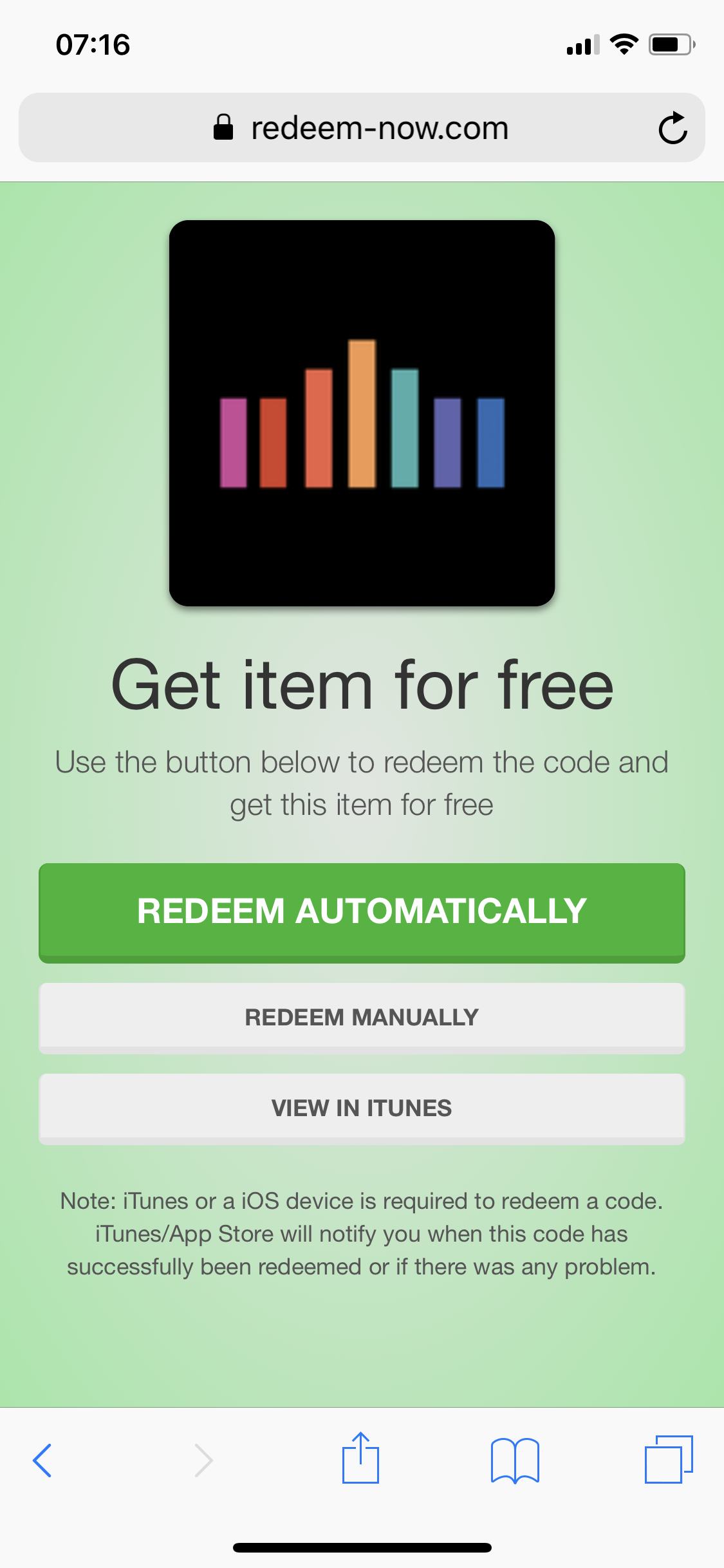 |
Click the green button “REDEEM AUTOMATICALLY” |
|---|---|
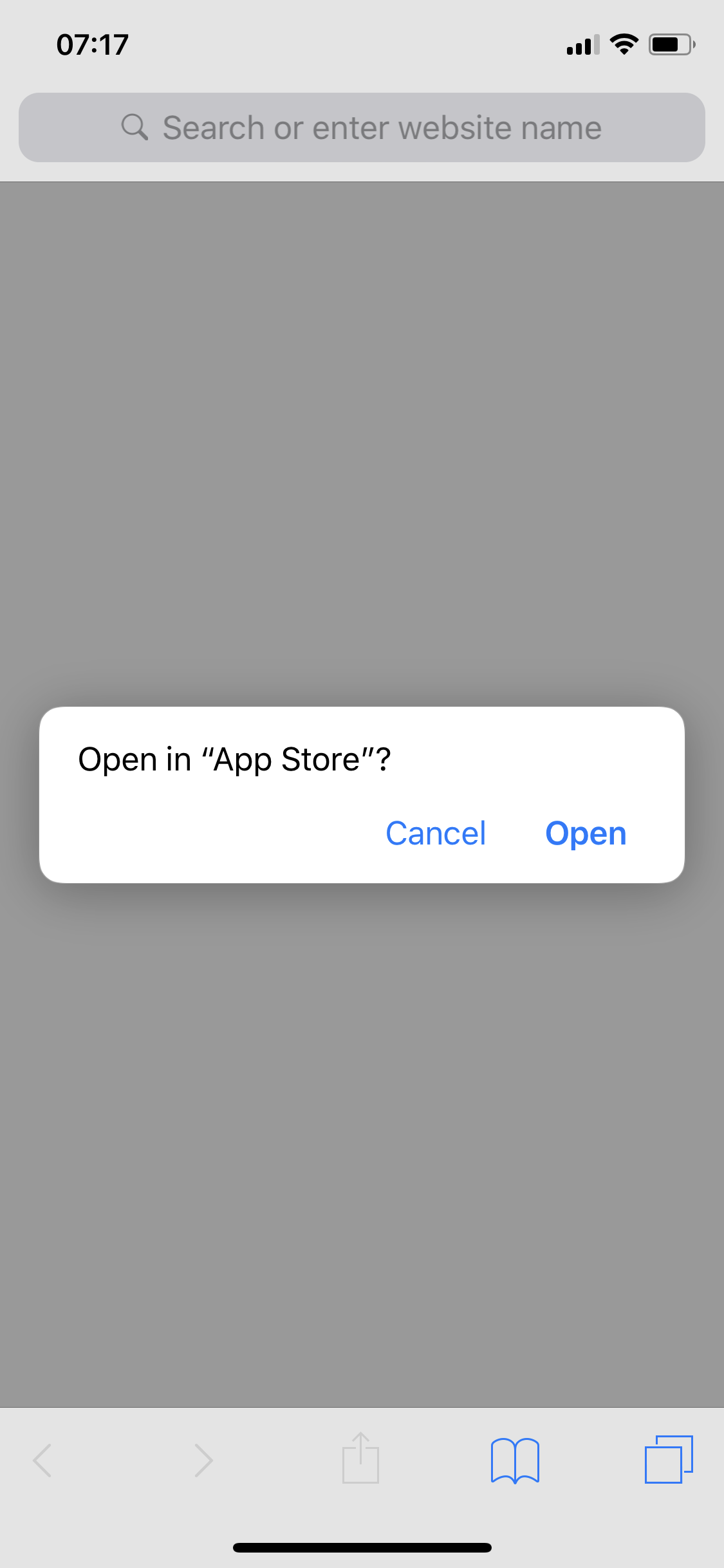 |
Click “Open” |
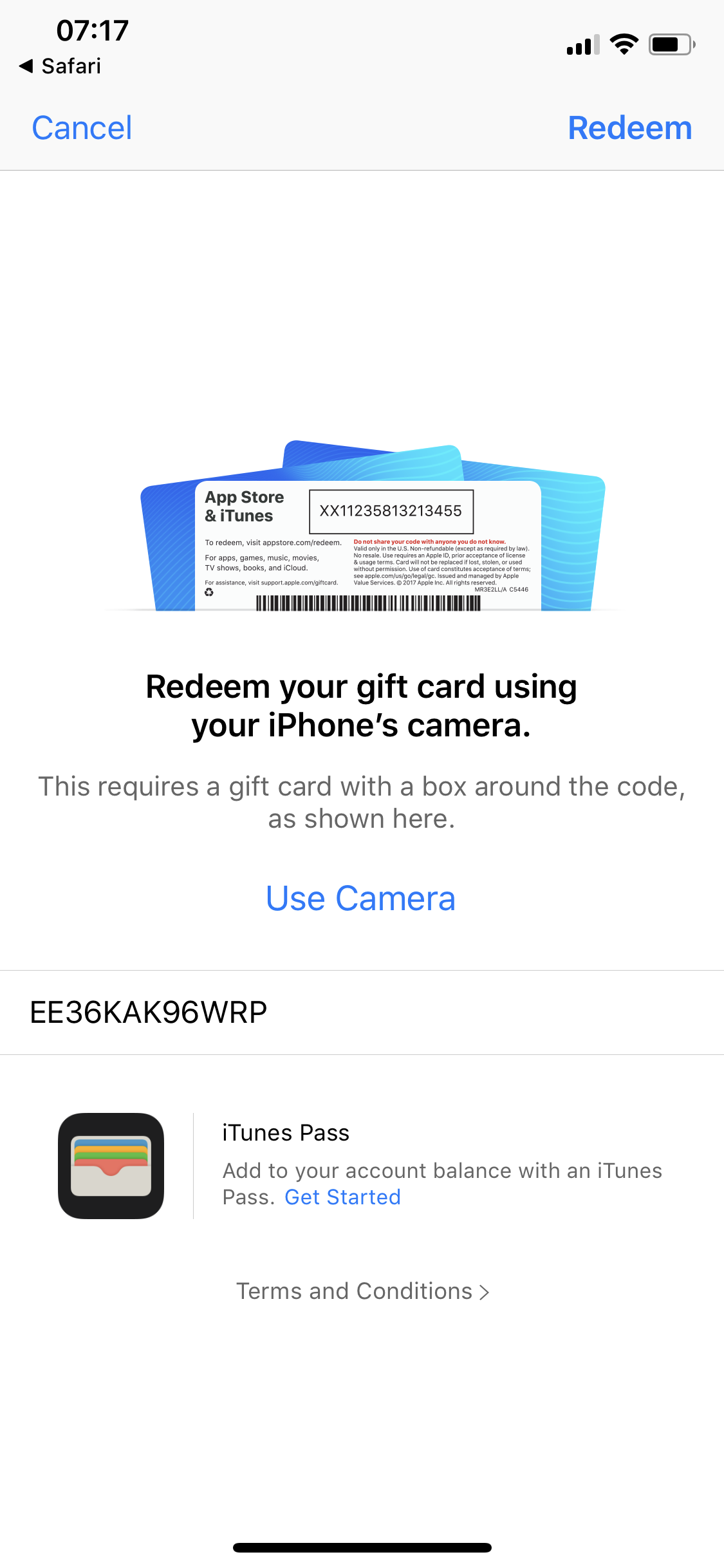 |
Click “Redeem” in the upper right corner. This will initiate the download of the CVT app. |