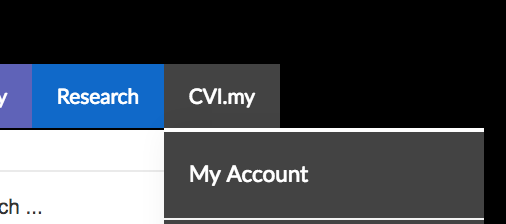
To change your password or email find “My Account” in the grey CVI.my menu.
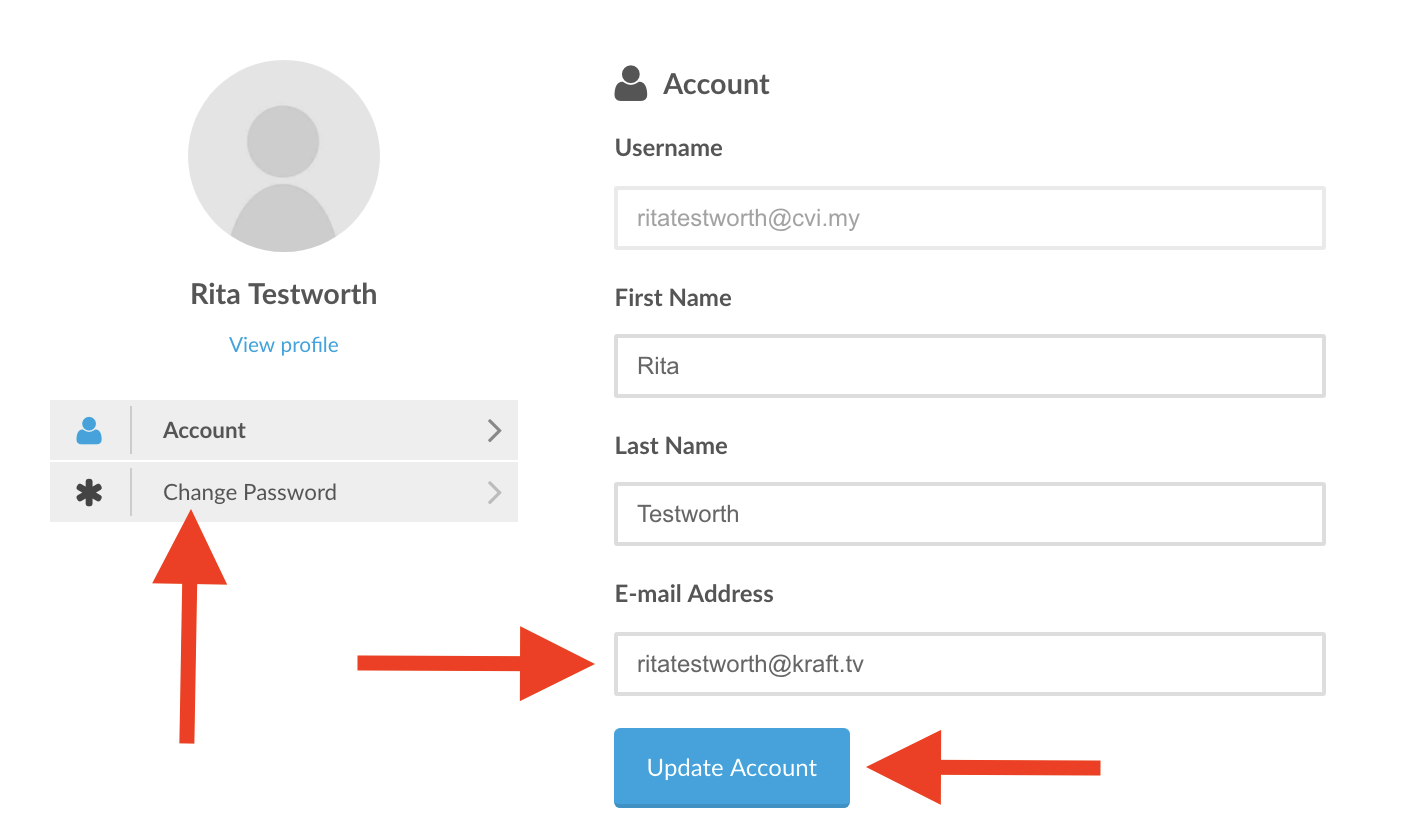
Fill in your new email and click the blue “Update Account” button to save. For a new password click “Change Password” on the left.
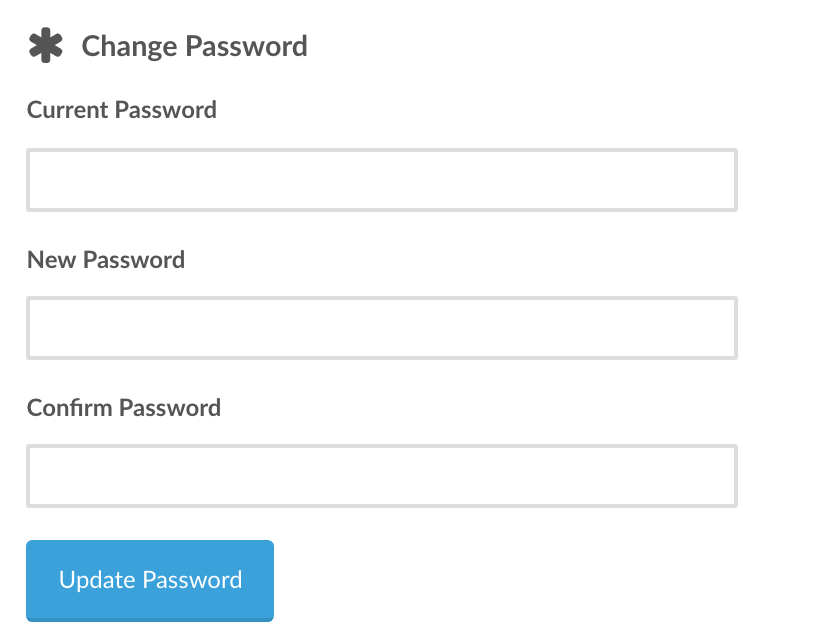
To change the password enter your current password and the new one into the fields. To save the new password click the blue “Update Password” button.