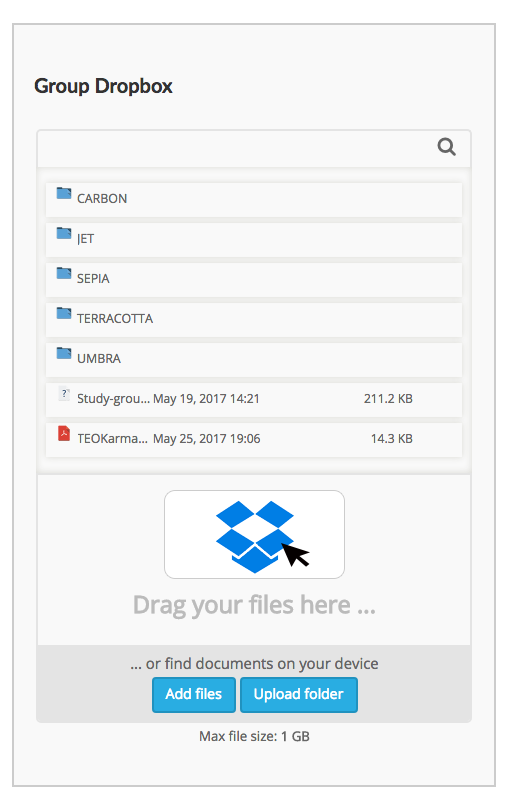
If you like to share a file (Document, Sound or Video file) with your group, you can easily share it using the group dropbox. On your generation page you can see the Dropboxes of all groups in your generation. Choose the group you’d like to share a file with and drag and drop the file onto the Dropbox logo. Alternatively you can click the blue ‘Add files’ button to choose a file directly from your computer.